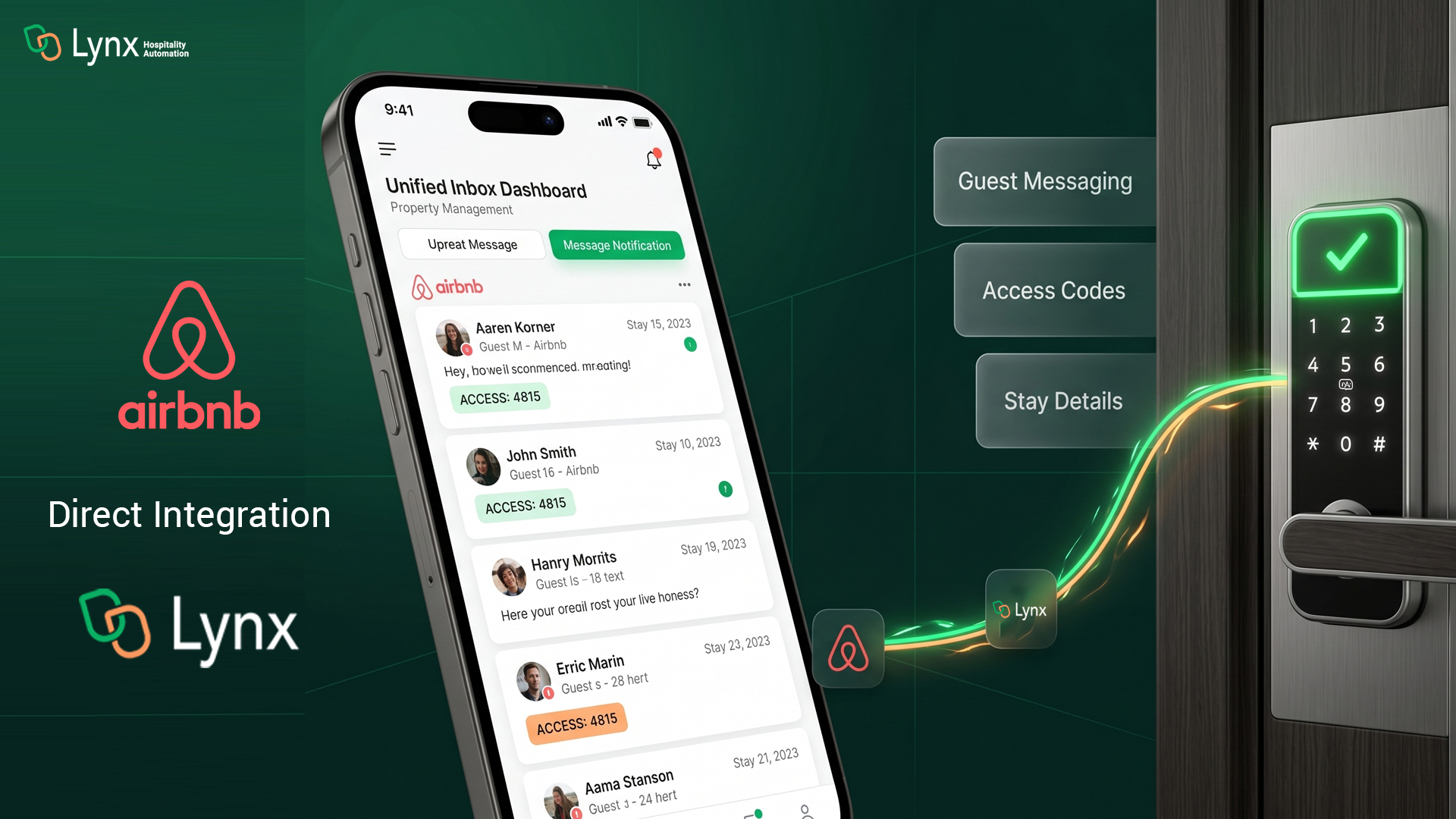
If you’re managing Airbnb listings, you’ve likely been doing it the hard way — logging into Airbnb to reply to guests, manually copying over stay details, and stitching together your access management separately. That changes today.
Lynx now offers a direct two-way Airbnb integration — bringing your guest messages, stay details, and access code management into one place, without ever leaving Lynx.
Here’s everything that’s new and how it helps you.
Unified Guest Messaging — No More Logging Into Airbnb
The most immediate win for property managers is simple: you no longer need to log into Airbnb to talk to your guests.
Every message from your Airbnb guests now flows directly into the Lynx inbox. You can read, reply, and manage entire conversations from the same place you handle your SMS and email communications. Guest journey details, check-in and check-out times, custom stay fields, and booking information all appear in the right-side panel so you have full context before you type a single word.
For teams managing multiple properties across multiple channels, this is the inbox consolidation you’ve been waiting for.
Two Integration Modes — Built Around How You Actually Operate
Not every property manager runs the same setup. That’s why the Airbnb integration offers three distinct modes so you get exactly what you need, nothing more.
Inbox only — built for property managers already using a PMS like Streamline, Track, or others. Your stays and access codes are handled by your existing PMS integration. This mode simply pulls your Airbnb guest messages into Lynx so you can manage all communications from one inbox without any duplication.
Access Management and Inbox — built for property managers without a PMS, such as individual hosts or HOA owners who want a fully automated, zero-touch setup. When you connect in this mode, Lynx imports all your Airbnb listings as properties, automatically links them, syncs every stay and guest message, and generates access codes — all without manual setup. Check-in and check-out times, Wi-Fi details, and property information are pulled directly from Airbnb and saved to your Lynx properties automatically.
Access Code Only — a new option added for property managers who simply need the sync function to generate access codes on lock which will be the last 4 digits of the guest’s phone number without inbox features. No confusion, no unnecessary setup.
Accept or Decline Stay Requests Without Leaving Lynx
When a guest sends an inquiry or a stay request through Airbnb, it now lands directly in your Lynx inbox as a conversation thread — showing dates, guest count, expected payout, and the Airbnb response deadline.
You can accept or decline the request right from the inbox interface. Once accepted, the inquiry thread automatically converts into a confirmed conversation, and the stay details populate instantly. No context switching, no missed response windows.
Airbnb Automation — Set Triggers, Let Lynx Handle the Rest
The integration supports automation triggers based on the booking source being Airbnb, so you can build workflows that fire specifically for Airbnb guests without affecting your other channels.
A few things worth knowing as you set this up: because Airbnb stays don’t include guest phone numbers or email addresses, automated messages to Airbnb guests must use the Airbnb message channel. This channel doesn’t support HTML, so templates should be built in the SMS format — and Lynx now labels the template builder as “SMS and/or Airbnb template” so there’s no guesswork about what will and won’t work.
A Cleaner, More Useful Inbox UI
Alongside the integration, the inbox received a UI update that gives more space to the conversation itself. Stay details that previously sat in the top bar have been moved to the right-hand panel, giving you better visibility of the full guest thread while keeping all the booking information within easy reach. Cleaner interface, easier to find information!
How to Get Started
If you’re currently using the Airbnb ICAL integration, it’s time to remove it and replace it with your Airbnb account connection.
To connect your Airbnb account and choose your integration mode, head to your Lynx dashboard, Go to the 1st menu option “Integrations” and follow the Airbnb integration setup. If you need help or have questions, reach out to the Lynx support team. If you are not a Lynx customer talk to sales@getlynx.co.
Have feedback on the new integration? We’d love to hear it — your input shapes what we build next.